![The Complete Guide to Done-for-You Marketing Automation [2026]](/blog/done-for-you-automation.jpg)
Done-for-you (DFY) marketing automation means an expert team configures your CRM, builds your automation sequences, connects your tools, and hands you a fully operational system — without requiring you to figure out GoHighLevel, n8n, or Make.com yourself. The result: leads get followed up with automatically, your pipeline stays organized, email sequences run on triggers, and your marketing operates while you focus on actually running your business. If you've been putting off automation because the setup feels overwhelming, DFY is the category that solves that specific problem.
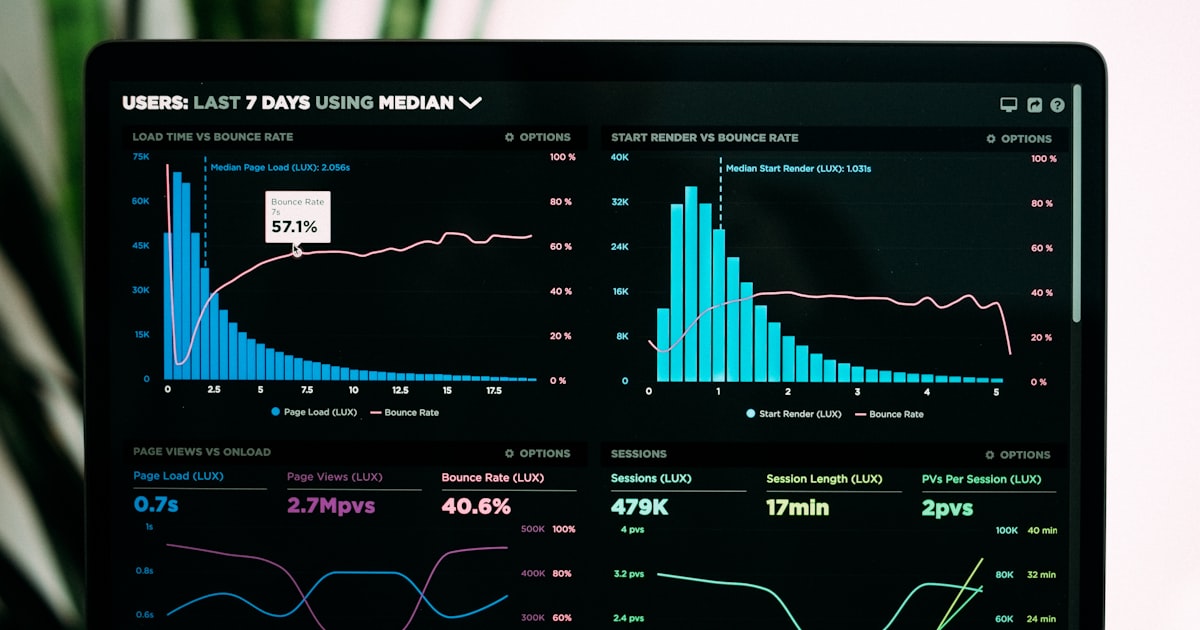
According to HubSpot's 2025 Marketing Report, businesses using marketing automation see 451% more qualified leads than those that don't. But 68% of businesses that purchase automation software never fully implement it — they buy the tools, get lost in the configuration, and end up with an expensive CRM they barely use. Done-for-you automation directly addresses that implementation gap.
What 'Done-for-You' Actually Includes
DFY automation packages vary widely in scope, so it's important to be specific about what you're buying. A legitimate DFY engagement should include at minimum: CRM setup and configuration, contact pipeline design, email sequence creation and loading, form and landing page integration, lead routing and notification rules, and basic reporting configuration. More comprehensive engagements also include multi-channel automation (SMS, voicemail drops), ad platform integrations, and custom workflows built around your specific sales process.
- CRM configuration: Pipeline stages, deal fields, contact properties, and user permissions set up for your specific sales process
- Automation sequences: Email and SMS follow-up sequences built, tested, and activated — not just templates but actual content
- Integrations: Connection between your CRM, website forms, calendar booking, ad platforms, and any existing tools
- Lead routing: Rules for how new leads are assigned, notified, and escalated within your team
- Reporting: Dashboards that show you the metrics that matter, not every metric available
DIY vs. Hybrid vs. Fully Managed: Choosing Your Model
There are three ways to approach marketing automation, and they suit different situations. DIY means you buy the software, watch the tutorials, build everything yourself, and troubleshoot your own issues. This works if you have technical aptitude, significant free time, and the patience to climb a real learning curve. GoHighLevel alone has hundreds of features — plan to spend 40-80 hours to get a functional system built from scratch.
Hybrid means you use a DFY service to build the initial setup, then manage and iterate yourself. This is the right choice if you want to eventually own and evolve your system but don't want to start from zero. BlueDash's automation services at /automation/[industry] are designed around this model — we build, you run, we're available for complex changes.
Fully managed means the agency or AI workforce continues to run and optimize your automation indefinitely. This is right for businesses where the owner has no desire to touch the backend of their marketing stack. BlueDash's AI employees — particularly Kai (email) and Nova (analytics) — provide the ongoing optimization layer that keeps your automation performing as your business evolves.
The clients who get the most from done-for-you automation aren't the ones who want to hand everything off forever. They're the ones who want a working system fast, learn how it works over time, and then make intelligent decisions about what to change. DFY is the fastest path to that position.
The Core Tools: GHL, n8n, and Make.com Explained
Three platforms dominate the DFY automation space for SMBs, and understanding their roles helps you know what you're getting in a DFY engagement.
GoHighLevel (GHL) is an all-in-one CRM and marketing platform designed specifically for agencies and local businesses. It handles contact management, pipeline tracking, email marketing, SMS, landing pages, calendars, and automation workflows in a single platform. GHL's SaaS plan costs $297/month and is the most common foundation for DFY automation setups because it eliminates the need for 5-10 separate point solutions. The tradeoff is a steep learning curve — hence the demand for DFY GHL setup.
n8n is an open-source workflow automation tool that connects any apps or services via API. It's more flexible than GHL's built-in workflows and is ideal for complex custom automations — syncing data between systems, triggering actions based on webhook events, or building multi-step processes that span several platforms. n8n requires technical configuration but is extremely powerful once set up.
Make.com (formerly Integromat) sits between GHL and n8n in complexity. It's visual, relatively beginner-friendly, and handles complex multi-step automations across hundreds of integrated apps. It's commonly used for connecting GHL to external systems — syncing leads from Facebook Ads directly into GHL pipelines, posting new CRM contacts to Slack, or updating a Google Sheet when a deal closes.
- GoHighLevel: All-in-one CRM + automation platform — best for businesses that want one system managing everything
- n8n: API-based workflow automation — best for complex custom integrations between multiple existing tools
- Make.com: Visual workflow builder — best for connecting your existing tools without heavy technical setup
- All three together: The full stack used in BlueDash's enterprise DFY automation engagements
The 5 Automations Every Business Needs First
If you're starting from scratch or overhauling a broken system, prioritize these five automations before building anything more complex. They cover the highest-leverage moments in any customer journey.
- New lead instant response: Within 5 minutes of a form submission or ad click, the lead gets a personalized email and/or SMS — response rates drop by 80% after 5 minutes, so this single automation can dramatically improve conversion rates
- Lead nurture sequence: A 7-14 email sequence that educates leads who didn't buy immediately, maintains visibility, and moves them toward a decision over 30-90 days
- Appointment confirmation and reminder: Automated confirmation emails and SMS reminders that reduce no-show rates by 30-50%
- Post-purchase onboarding: Automated emails that welcome new customers, set expectations, and deliver any promised resources — reduces support volume and improves retention
- Re-engagement campaign: Automated sequence triggered when a contact goes 60-90 days without engagement — designed to either recapture attention or cleanly remove them from your active list
Timeline: What DFY Automation Setup Actually Looks Like
A professional DFY automation engagement follows a predictable timeline. Here's what to expect from a BlueDash DFY setup:
Days 1-2: Discovery and intake. You complete a detailed brief covering your sales process, current tools, existing contacts, and priority automations. Your setup team reviews your current tech stack and identifies integration requirements. Days 3-5: Foundation build. CRM is configured with your pipeline stages, custom fields, and user access. Your domain is connected for email sending, DNS records are configured, and sending reputation baseline is established. Days 6-10: Automation build. Your sequences are written, configured, and tested in a sandbox environment. Forms are connected, triggers are validated, and lead routing is confirmed. Days 11-14: Integration and QA. All external connections (ad platforms, booking tools, existing email lists) are integrated. Full end-to-end testing is completed — leads flow through the entire sequence from entry to conversion point without errors. Day 14-15: Handoff and training. You receive a recorded walkthrough of your system, a one-page reference guide for daily operations, and 30 days of email support for questions.
Pricing Benchmarks for DFY Automation
DFY automation pricing varies based on complexity, the number of integrations, and how much custom content (email copy, landing pages) is included. Here's a realistic benchmark:
- Basic DFY setup (CRM + 3 sequences, no custom integrations): $1,500-$3,000 one-time
- Standard DFY setup (CRM + 5-7 sequences + ad platform integration): $3,000-$6,000 one-time
- Advanced DFY setup (full stack GHL + n8n + Make.com + custom workflows): $6,000-$15,000 one-time
- Monthly managed automation (ongoing optimization and new sequence builds): $500-$2,500/month
- BlueDash AI workforce automation layer (Kai + Nova running ongoing): included in /pricing plans
Common Mistakes in DIY Automation (That DFY Avoids)
When businesses try to build automation themselves, the same mistakes appear consistently. Understanding them helps you evaluate whether your current setup has these problems.
The most common mistake is building automation before validating the message. Businesses spend weeks configuring GHL only to discover their email sequences don't convert because the copy doesn't address what their leads actually care about. DFY engagements include a discovery phase specifically to prevent this — the sequences are built around a validated offer and proven messaging before any technical configuration begins.
The second most common mistake is ignoring email deliverability setup. If your DNS records (SPF, DKIM, DMARC) aren't properly configured before you start sending, you'll be landing in spam from day one. A DFY engagement handles this as part of the foundation — it's not optional and it's not an afterthought.
How to Evaluate a DFY Automation Provider
Before signing with any DFY automation provider, ask these specific questions: What deliverables are included in writing (not just described on a sales call)? Who writes the email sequences — a specialist or a generic template library? What does post-launch support look like, and for how long? Can you see examples of automations built for businesses similar to yours? What happens if the initial setup doesn't generate expected results?
The answers to those questions will quickly separate the providers who've built hundreds of real systems from those who've packaged a tutorial as a service. BlueDash's /services page outlines every deliverable in writing for each engagement type, because ambiguity about scope is where DFY engagements most commonly go wrong.