Speed-to-lead is the single biggest factor in whether you close a deal or lose it to a competitor. A study by Lead Connect found that 78% of customers buy from the company that responds first. Not the best company. Not the cheapest. The first. Yet most businesses still rely on a human to see a new inquiry, decide to follow up, draft a response, and send it — a process that takes minutes to hours. Automated lead follow-up closes that gap entirely, responding in under 60 seconds, 24/7, without anyone on your team lifting a finger.
The 60-second rule and why it matters
The old 'respond within 5 minutes' benchmark is now obsolete. In 2026, consumers expect near-instant responses. If someone fills out a form at 9:47 PM and hears back from your competitor at 9:48 PM while your team's auto-response says 'We'll be in touch during business hours,' you've already lost that lead. The 60-second rule means every new inquiry gets an automated, personalized response — SMS and email — within one minute of submission, every hour of every day.
MIT research on lead response found that the odds of qualifying a lead drop by 80% after the first five minutes. At the one-hour mark, you're 7x less likely to connect with that lead than if you had reached out immediately. Automation eliminates this entirely.
Tool options for automated follow-up
The right tool depends on your existing stack and volume. GoHighLevel is the most complete solution for service businesses — it handles SMS, email, voicemail drops, and pipeline tracking in one platform. HubSpot's workflow automation works well for B2B with longer sales cycles. ActiveCampaign is a strong choice for e-commerce and subscription businesses with sophisticated segmentation needs. For custom logic and high-volume routing, layering n8n on top of any CRM gives you the most control.
- GoHighLevel ($97/month): Best all-in-one for local service businesses. Native SMS, email, voicemail, and pipeline automation.
- HubSpot Starter ($20/month): Good for B2B with basic follow-up needs. Limited SMS without add-ons.
- ActiveCampaign ($29/month): Strong email automation. Better for e-commerce and subscription models.
- n8n (self-hosted, ~$6/month): Best for custom logic and high-volume AI-enhanced routing. Requires technical setup.
- Klaviyo: Excellent for e-commerce with deep Shopify integration.
SMS vs email: which to send first
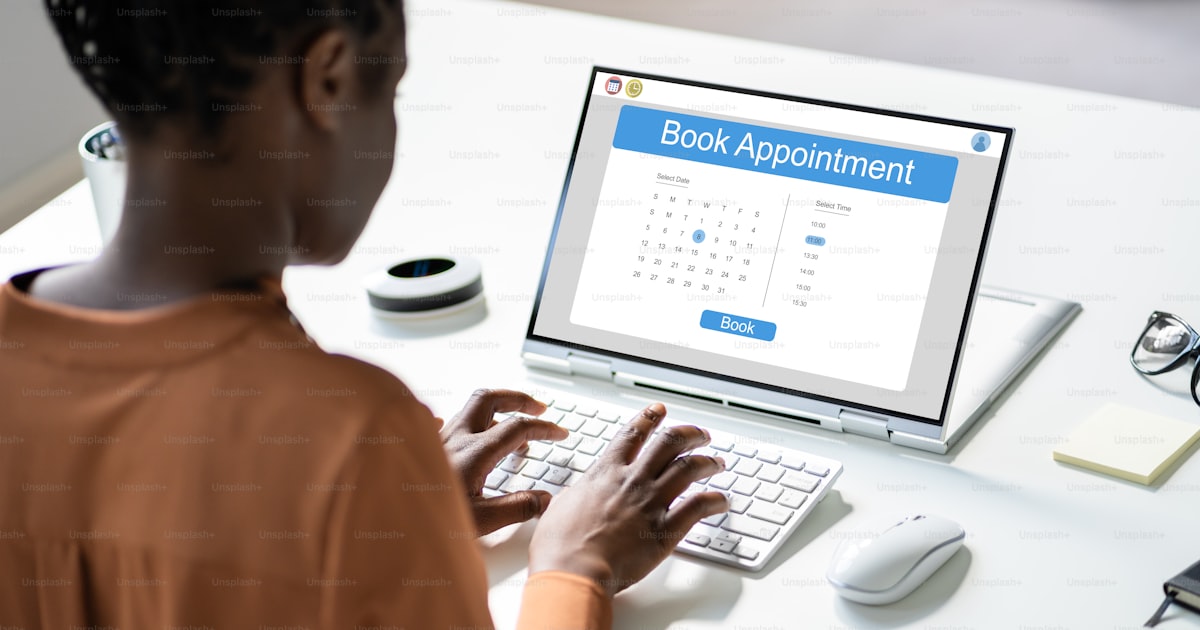
SMS wins for speed. Email wins for depth. The correct answer is both — in the right order. The immediate response (within 60 seconds) should be SMS: short, friendly, and action-oriented. 'Hey [First Name] — thanks for reaching out! I saw your inquiry about [service]. Want me to send over a few available times to connect?' The email, sent simultaneously, can include more detail: your company overview, a relevant case study, and a calendar booking link.
SMS open rates average 98% vs. 20% for email. Response rates for SMS are 209% higher than phone, email, or Facebook combined. For time-sensitive service businesses — roofing, HVAC, plumbing — SMS is the primary channel. For professional services and B2B, email carries more weight. Build your sequence to use both, and let the lead's engagement behavior determine the follow-up cadence.
A sample 14-day follow-up sequence
- Minute 1: SMS — personalized acknowledgment + question to engage.
- Minute 2: Email — welcome, overview, booking link.
- Day 1 (evening): Voicemail drop — brief, human-sounding, no hard sell.
- Day 2: SMS — share a relevant piece of social proof or quick tip.
- Day 3: Email — case study or before/after relevant to their inquiry.
- Day 5: SMS — soft check-in ('Still thinking it over? Happy to answer any questions.').
- Day 7: Email — FAQ or objection-handling content.
- Day 10: SMS — urgency element or limited-time offer.
- Day 14: Email — final follow-up with opt-out option.
The businesses that close the most deals don't have the best salespeople. They have the best follow-up systems. Automation makes every business a follow-up machine.
Personalization at every step
Generic follow-up messages underperform by 40–60% compared to personalized ones. Use merge fields for the contact's first name and the specific service they inquired about at minimum. Segment by lead source: someone who came from a Google search has different intent than someone from a Facebook ad. GHL custom fields let you capture this data at form submission and use it to dynamically personalize every message in the sequence.
Building this for your business
At BlueDash, we build automated lead follow-up systems as part of our GHL setup service. The build takes 4–6 hours and typically pays for itself within the first week when a previously-missed lead converts. If you want to build it yourself, start simple: get the 60-second SMS response working first. Then layer in email. Then voicemail. Then multi-day sequences. Don't try to build the entire 14-day sequence before you've tested that the first message fires correctly — momentum matters more than perfection when it comes to automation setup.